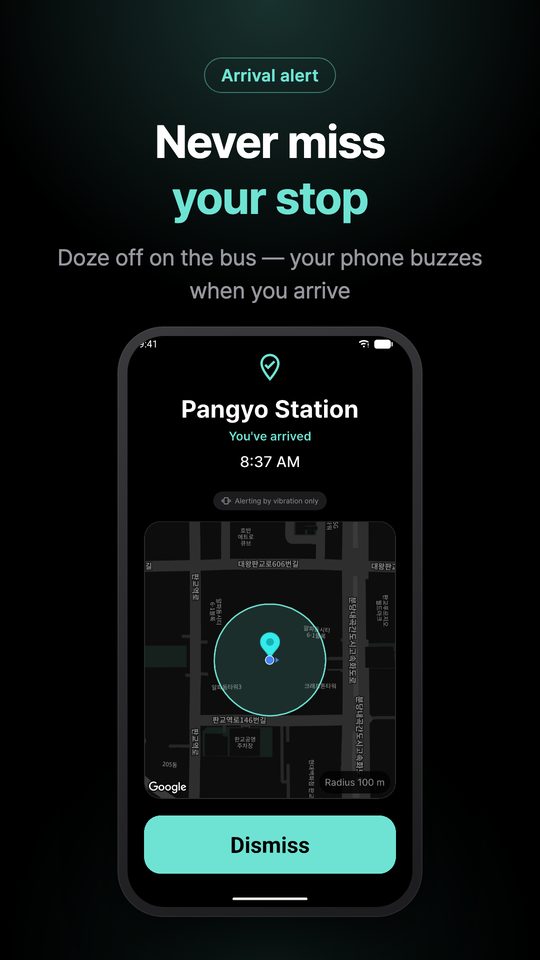
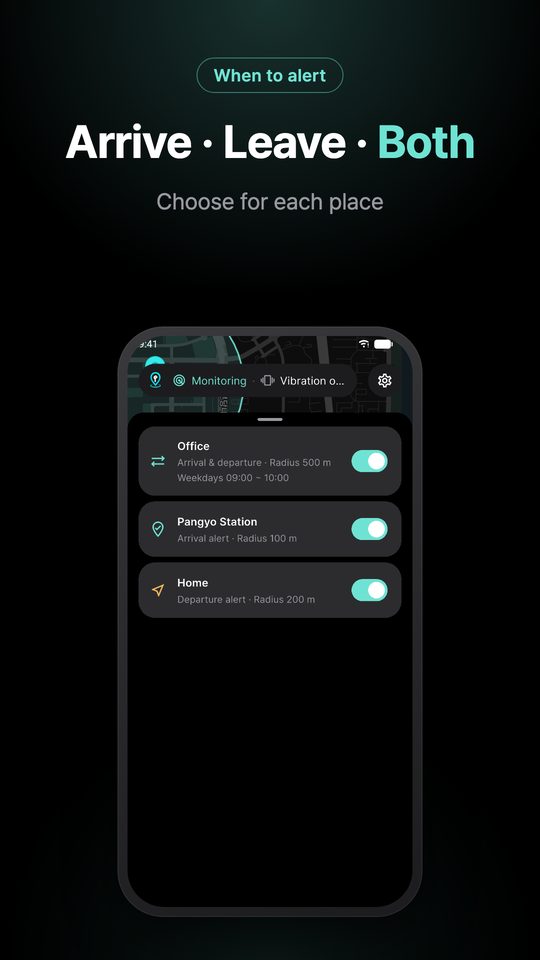
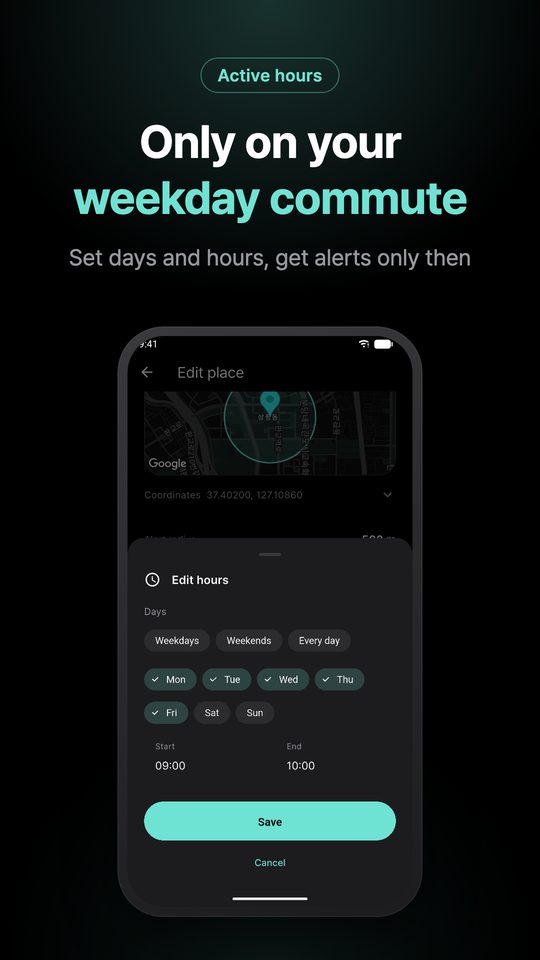
Ever dozed off on the bus and missed your stop? Pin a place on the map and your phone vibrates when you arrive. With earphones in, you also get a sound — never through the speaker.
Free on iPhone and Android · English · 한국어 · 日本語 · 中文
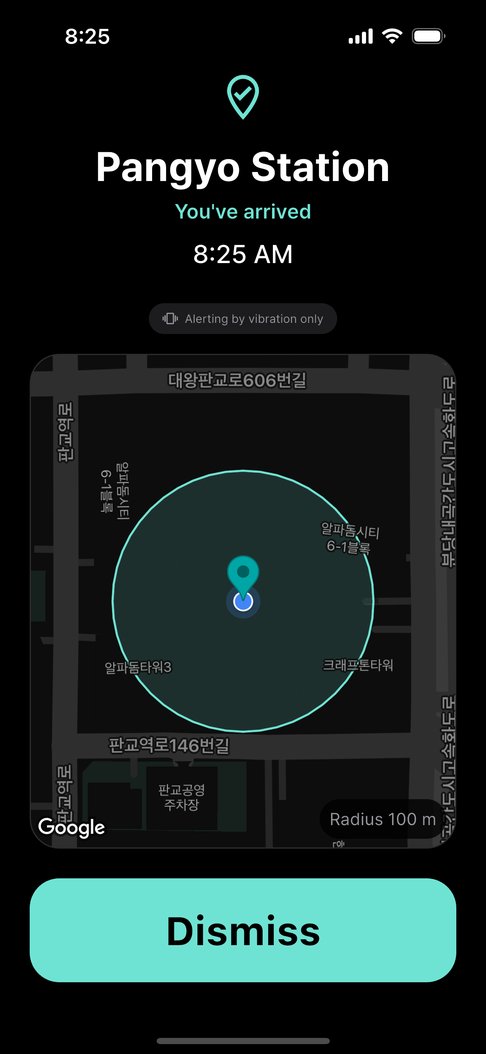
One beep from the speaker in a library,
and this app has failed its one job.
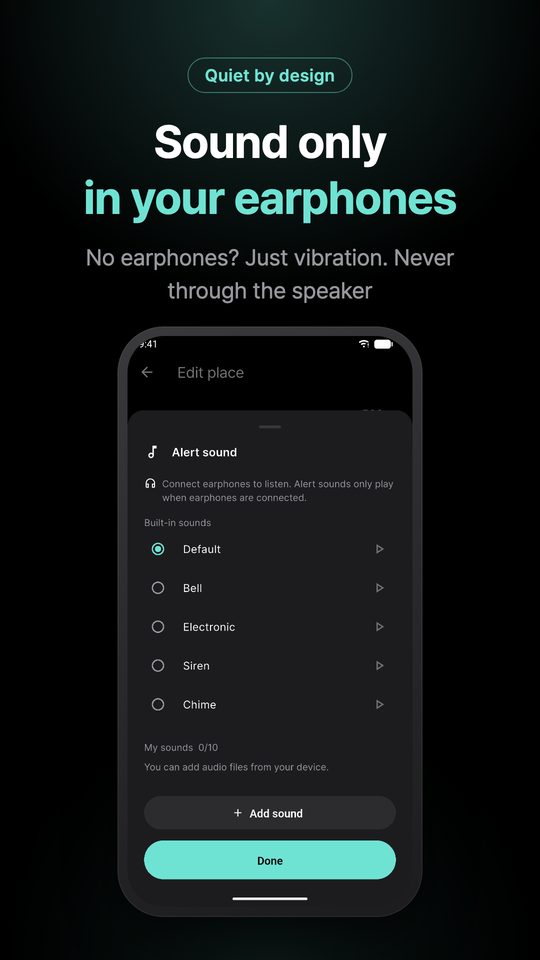
So it checks that earphones are connected first, and only then plays a sound. Wired, USB-C and Bluetooth earphones are all treated the same; if none is confirmed, it only vibrates. Devices that leak sound, such as car audio, are excluded.
Only what it takes to get one alert right.
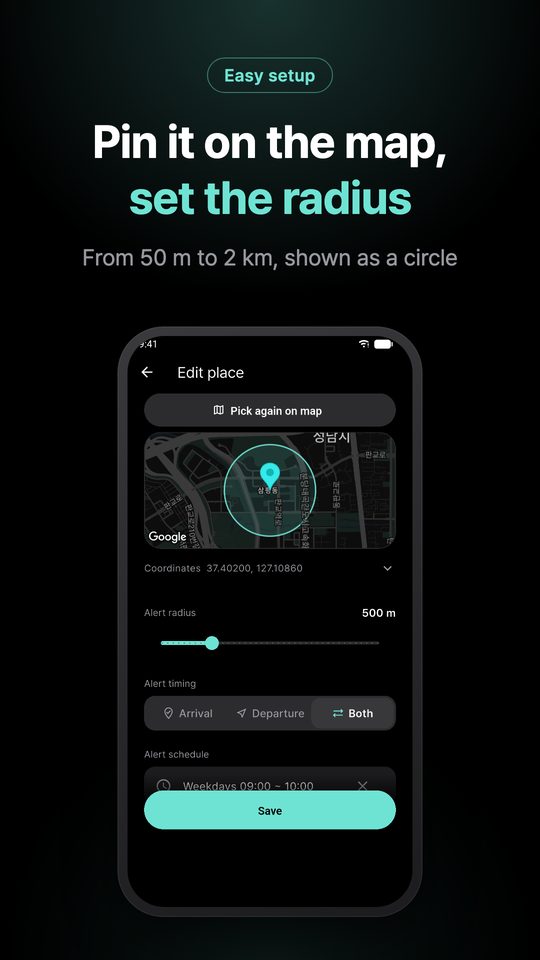
Search by name or move the map. You set the radius while seeing it as a circle, so there is no guessing how far 100 m is.
Pick from five built-in sounds or add your own audio file, so you can tell where you arrived just by the sound.
It alerts you even with the screen off or while you use other apps, without keeping GPS on all the time.
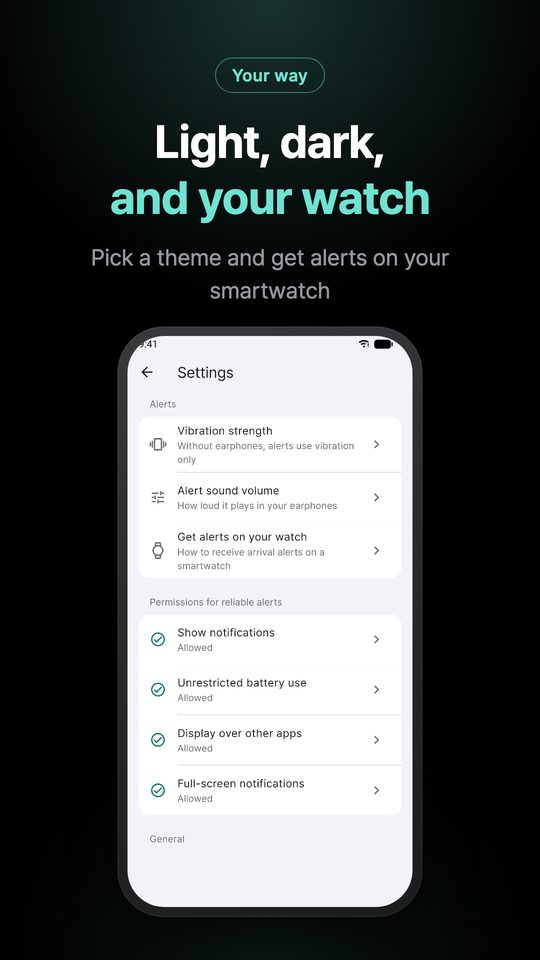
Without earphones, vibration is all you have. Choose weak, normal or strong.
Follow your device or choose in Settings. The alert screen always stays dark so it never glares on a night bus.
The app shows how to get alerts on Galaxy Watch or Apple Watch, so your wrist knows when you arrive.
Easy on the eyes in the dark, impossible to misread in a hurry.
Yes. Save your stop or station on the map and your phone vibrates the moment you enter that radius — even with the app closed and the screen off.
No. It plays a sound only after confirming wired, USB-C or Bluetooth earphones are connected. Otherwise it only vibrates and never uses the speaker.
It does not keep GPS on. Far from your places it relies on the system’s geofencing, and only checks precisely when you get close.
No. Arrival is detected on your phone, and your places and history stay on the device. There is no account.
Yes. If your Galaxy Watch or Apple Watch mirrors phone notifications, arrival alerts reach your wrist. Settings › Get alerts on your watch shows how.
Yes. It includes ads, but never on the screen that is alerting you.
Arrival is detected entirely on your phone. No coordinates or movement history are sent to any server — not even the developer can know where you have been.